
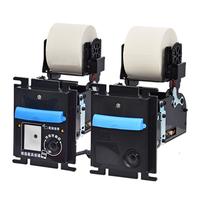
ICT SP1-VR & SP1-VRS Invoice Printer
The ICT SP1-VR & SP1-VRS Invoice Printer is built for unattended equipment that needs dependable electronic-invoice printing. The SP1-VR and SP1-VRS are built for vending equipment that prints electronic invoices after transactions.
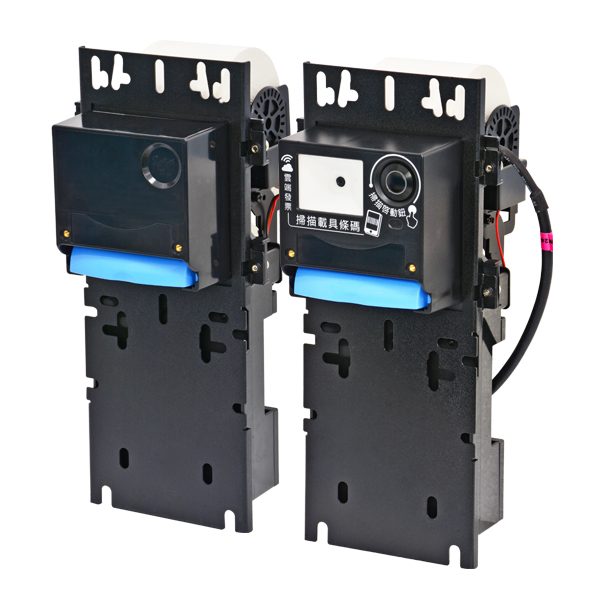
ICT Superstore by E & D Trading is an authorized ICT distributor that helps operators select the right configuration and keep equipment supported after installation.
Key features
- Designed for vending machines that print e-invoices.
- Robust design supports reliable operation.
- RS232 interface compatibility supports integration.
- USB pen drive supports settings and firmware updates.
- Configurable print formats support invoice workflows.
- Low-paper alarm indicator supports proactive service.
- With an ICT DAB box, specified models can print invoices.
- SP1-VRS includes a scanner for mobile phone carriers.
- ICT RAB enables Internet connection for listed e-invoice service settings.
Typical applications
- vending machines
- electronic invoice kiosks
- self-service retail equipment
- transaction receipt systems
Details and service notes
Use the ICT SP1-VR & SP1-VRS Invoice Printer in vending machines, electronic invoice kiosks, self-service retail equipment. Its design focuses on vending e-invoice printing, configurable formats, low-paper indication, and USB service updates. That gives equipment builders, route operators, and facility owners a practical invoice printer for regular transaction traffic. Review the required machine layout and operating workflow before selecting a configuration.
This unit can be considered for new builds, replacements, and planned service work. Confirm the interface, programming, and any model-specific options before ordering, since those details depend on the host equipment and application. ICT Superstore can help compare configurations, check service needs, and discuss available repair support.
For a smoother field installation, verify the mounting arrangement, communication method, and software state before deployment. That preparation helps prevent avoidable downtime and makes future maintenance easier. Call 877-922-6707 with the equipment model and intended use before finalizing your selection.
Manuals & DIP switch settings
Official ICT documentation, mirrored here for faster downloads. We are an authorized ICT distributor and service center — if a sheet does not match the unit in front of you, call (877) 922-6707 and we will identify it from the label.
- Installation guideSP1-VR & SP1-VRS Installation Guide (EN) PDF · 4.4 MB
- Installation guideSP1-VR & SP1-VRS quick start guide (EN) PDF · 2.3 MB
- BrochureVending machine printing e-invoice solution (EN) PDF · 406 KB
Frequently asked questions
What is the difference between SP1-VR and SP1-VRS?
Can these printers be updated by USB?
Can ICT Superstore help with service or repair?
More from the Smart Printer Series
View series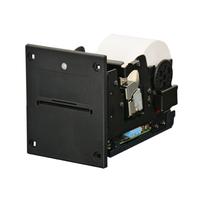
SP1-BDS
The ICT SP1-BDS Smart Thermal Printer is built for unattended equipment that needs dependable ticket and receipt printing.
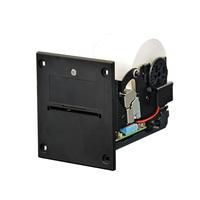
SP1-BNS
The ICT SP1-BNS is a smart thermal printer with a built-in real-time clock for printing ticket issue times.
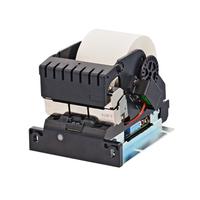
SP1-NNS
The ICT SP1-NNS is a Smart Printer Series thermal printer supplied without a bezel.
SP1-VL & SP1-VLS
The ICT SP1-VL and SP1-VLS are thermal printers for vending applications that print electronic invoices after transactions.
Get a quote on the ICT SP1-VR & SP1-VRS
Tell us the currency, denominations, interface and machine you are fitting. We will confirm the exact ICT part number, lead time and price while you are on the phone.